> For the complete documentation index, see [llms.txt](https://whitepaper.runwago.com/llms.txt). Markdown versions of documentation pages are available by appending `.md` to page URLs; this page is available as [Markdown](https://whitepaper.runwago.com/about-the-app/how-to-track-a-run/garmin.md).
# GARMIN
A page dedicated to helping users understand the process!
## How to track your run with Garmin?
{% hint style="success" %}
**User Flow for runs tracked by GARMIN**
1. User downloads the Runwago App, sets up an account
2. User initiates the connection of Runwago and Garmin Connect (instructions below)
3. User starts tracking the RUN (RUN ONLY) activity on the Garmin Device
4. User completes the RUN on his Garmin device. The activity is sent to his Garmin Connect
5. Runwago App automatically imports the data about each RUN from Garmin Connect
6. The run is now being evaluated by the app’s backend (anti-cheat validation - this process may take up to 15 minutes)
7. After validation, the run is marked as either Successful or Failed.
**IMPORTANT: Every individual run must be tracked by only ONE device at the time (Garmin, OR Runwago phone App, OR a Smart Watch). Never track the same run with multiple devices connected to the same account!**
{% endhint %}
IMPORTANT: Every individual run must be tracked by only ONE device at the time
## Run with the Garmin Watch connected to the Runwago App!
{% hint style="success" %}
**IMPORTANT !!!**
The Runwago app will recognize ONLY Garmin activities related to running (do not select walk, swimming, biking, etc.)
{% endhint %}
## GARMIN: How To Use & Connect?
{% hint style="success" %}
**The Runwago app supports Garmin Connect! Let’s learn how to connect your Garmin!**
This feature allows users to track their runs with Garmin watches and automatically import them into the Runwago app via Garmin Connect.
{% endhint %}
1. Go to the **Runwago App**
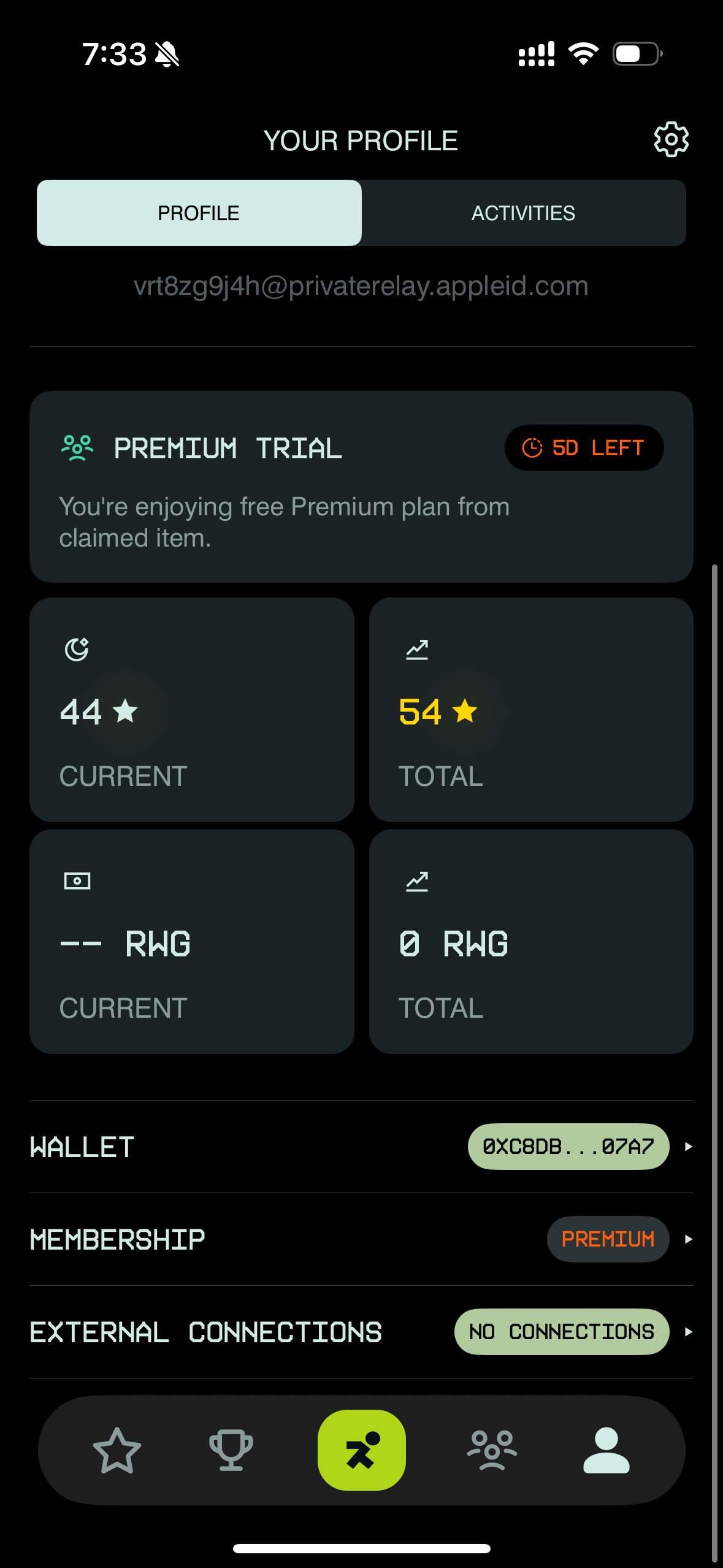
2. Go to your Profile
3. At the bottom of the page, find **External Connections**
4. Click the **No Connections** button
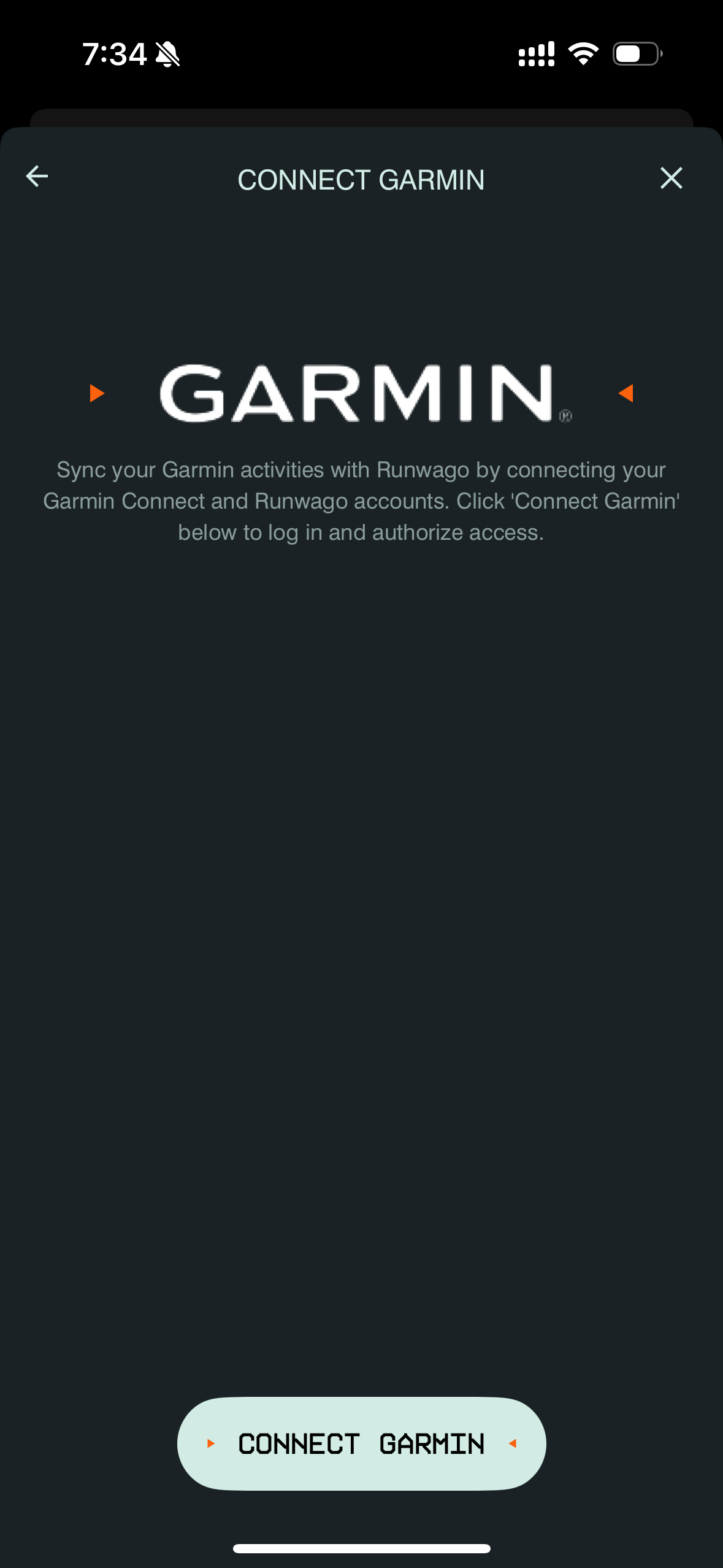
5. Click **Connect Garmin**
6. Allow the Runwago app to connect with Garmin.com
7. Accept the Terms and Conditions
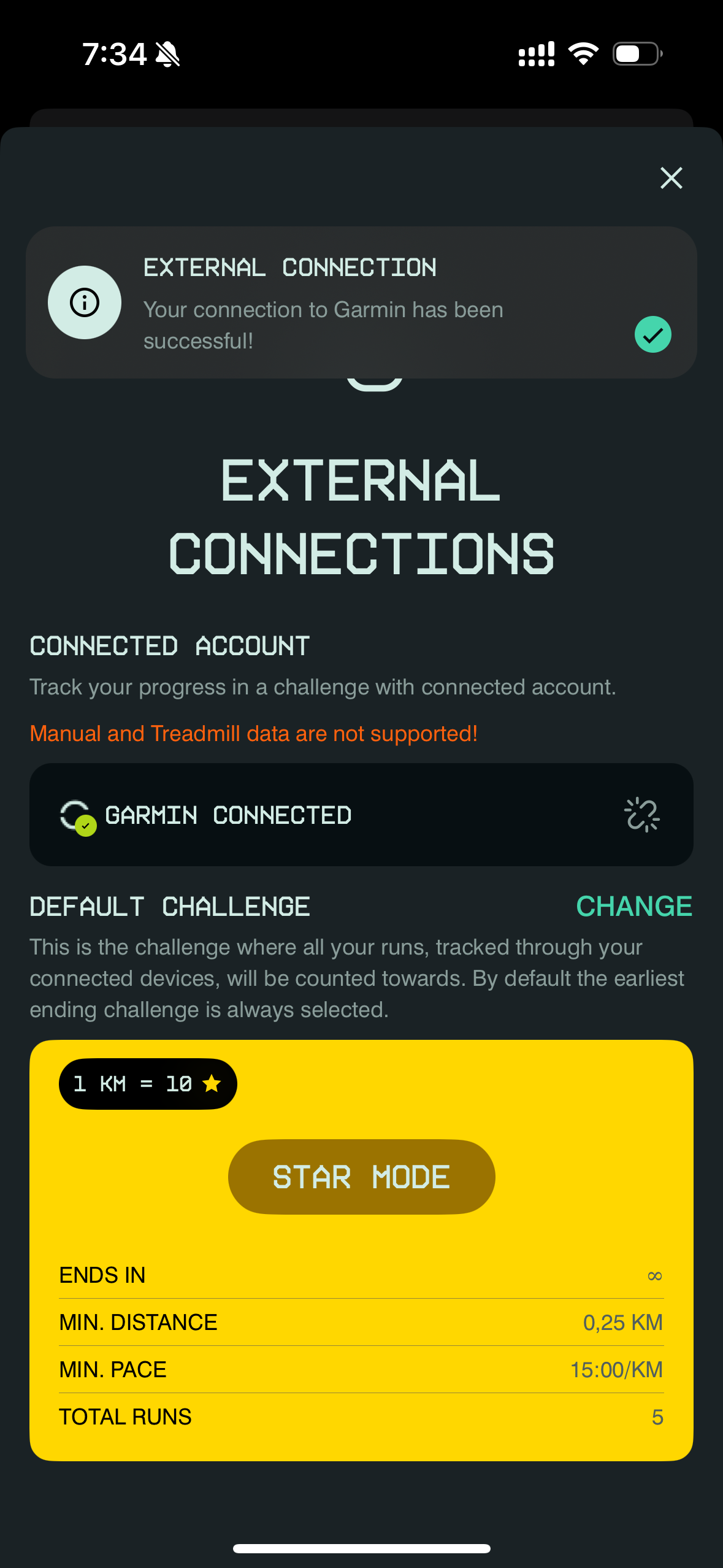
8. Done! Your Garmin is now connected to Runwago — you can leave the page!
**From now on, all of your runs will be automatically imported into the Runwago App!**
{% hint style="success" %}
**IMPORTANT !!!**
The Runwago app will recognize ONLY Garmin activities related to running (do not select walk, swimming, biking, etc.)
{% endhint %}
{% hint style="warning" %}
**The Runwago app does not support manually created activities in Garmin that are exported to the Runwago app!**
{% endhint %}
## **Runwago App is LIVE! Download NOW!**
{% hint style="success" %}
**App Store is LIVE!** [**DOWNLOAD HERE (App Store)**](https://apps.apple.com/cz/app/runwago/id6741070834)\
\
**Google Play is LIVE!** [**DOWNLOAD HERE (Google Play)**](https://play.google.com/store/apps/details?id=com.runwago.app\&hl=en)
{% endhint %}